Step 1
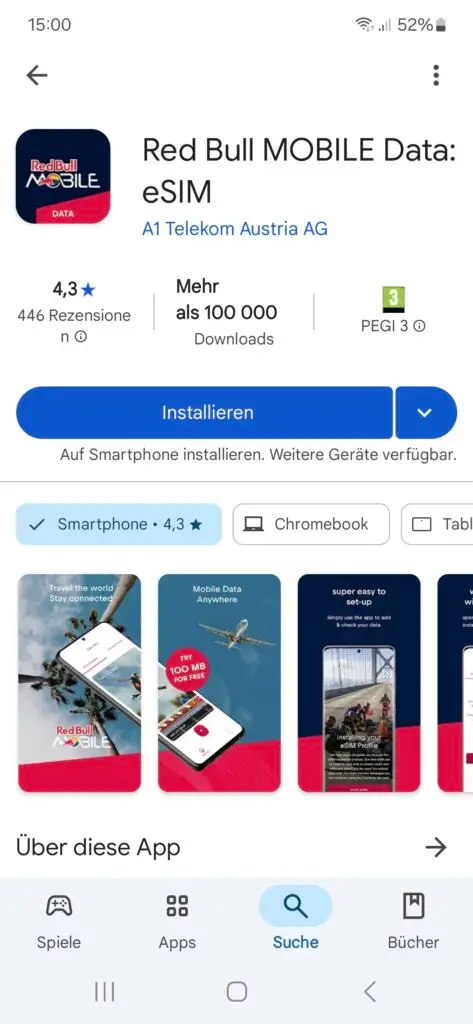
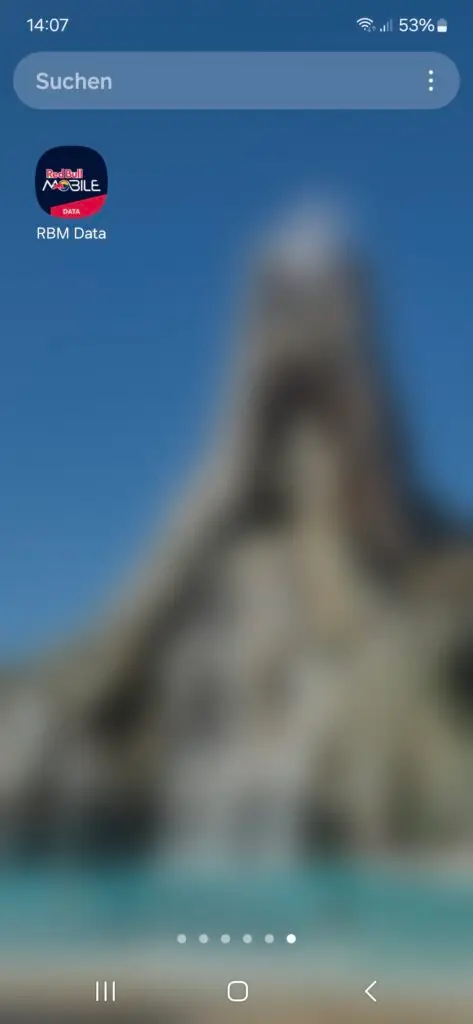
Install the app – search for “Red Bull MOBILE Data” in Google Play
OR scan the QR code
OR Go to: https://esim.redbullmobile.com/ and click the Google Play icon
Step 2
Open the app
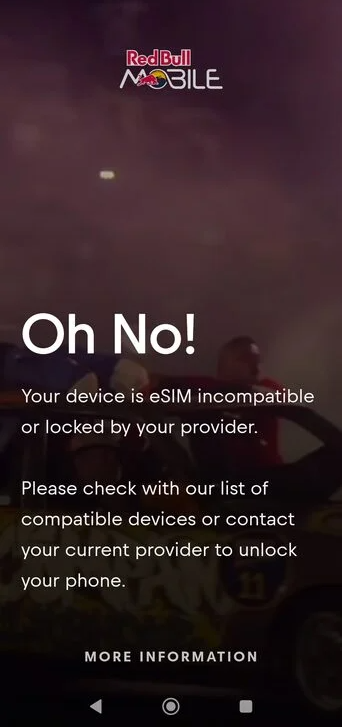
If you see the “Oh No!” screen, please contact your cell phone provider with your IMEI to unlock your device
Otherwise proceed to Step 3
Step 3
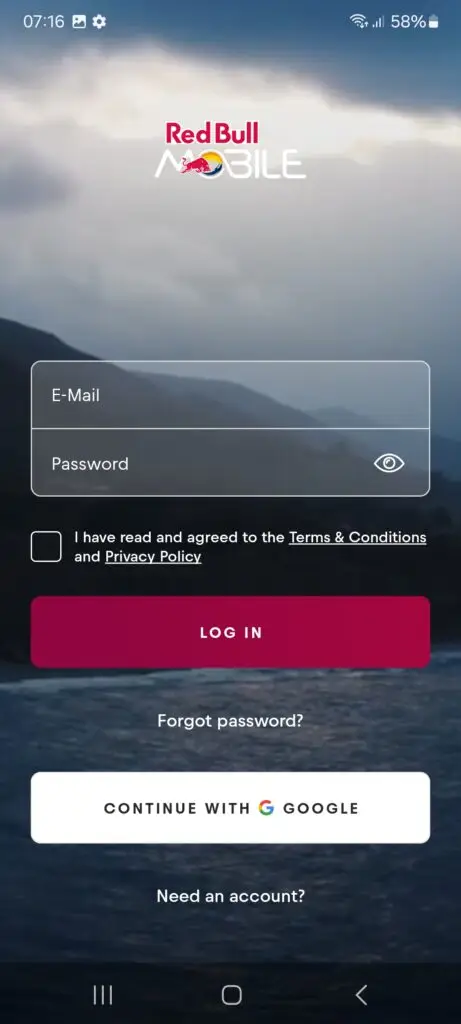
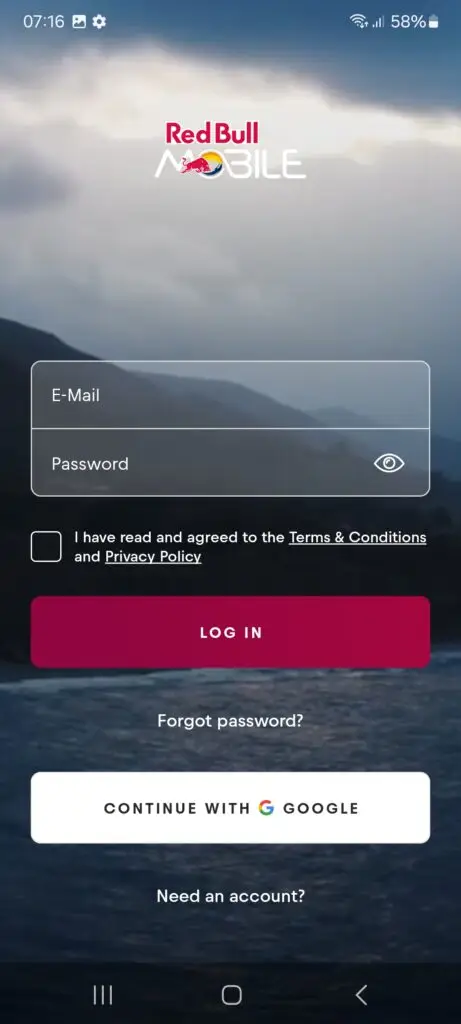
Click “Need an account” if you want to register an account using your email
OR
Press “Continue with Google” for quick login
Step 4
Enter your name, e-mail and password
OR
Press “Continue with Google” for quick login
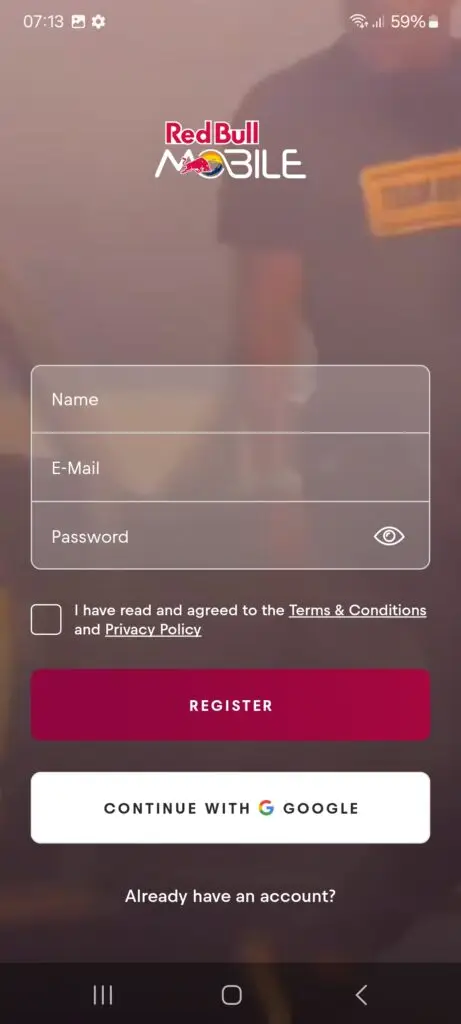
Proceed to step 6 if you used “Login with Google”; otherwise continue to Step 5.
Step 5
Once you verified your email you will be redirected to the log in screen.
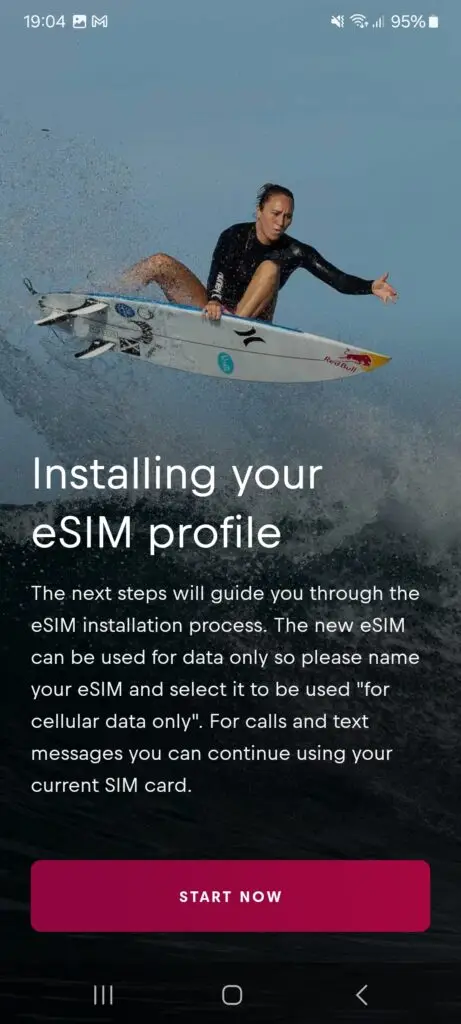
Step 6
Press “Start Now”
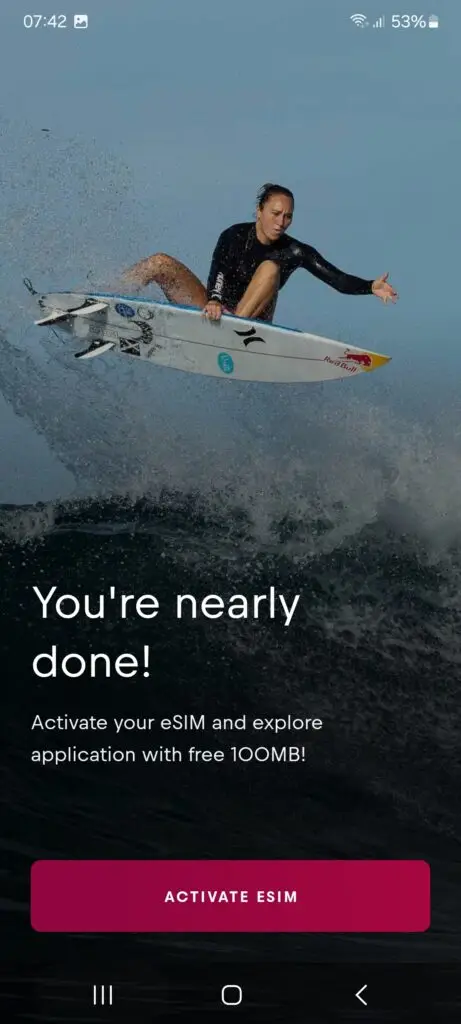
Step 7
Click “Activate eSIM”
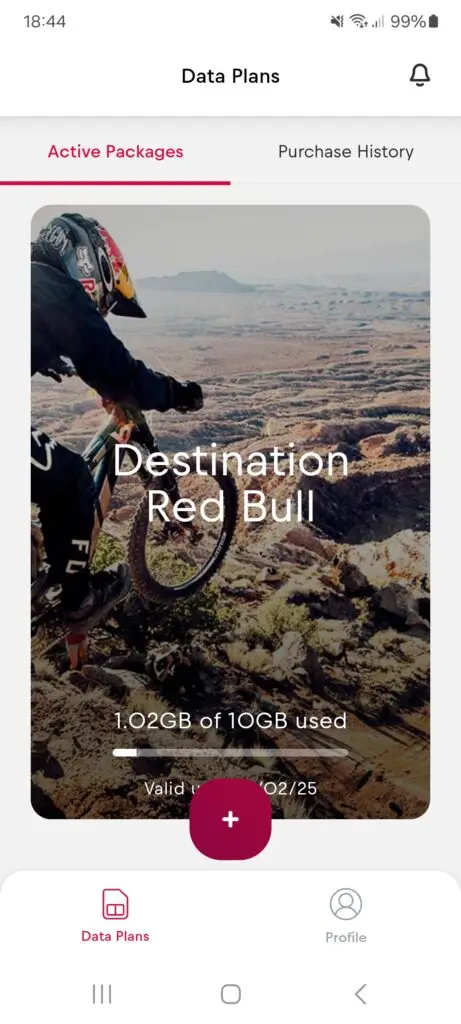
Step 8
Click “+” to add an eSIM
Step 9
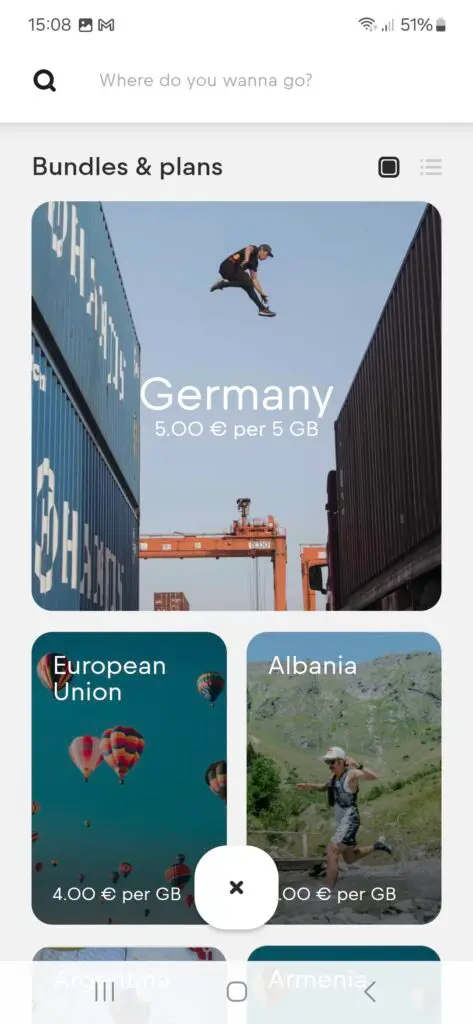
Choose your plan
Step 10
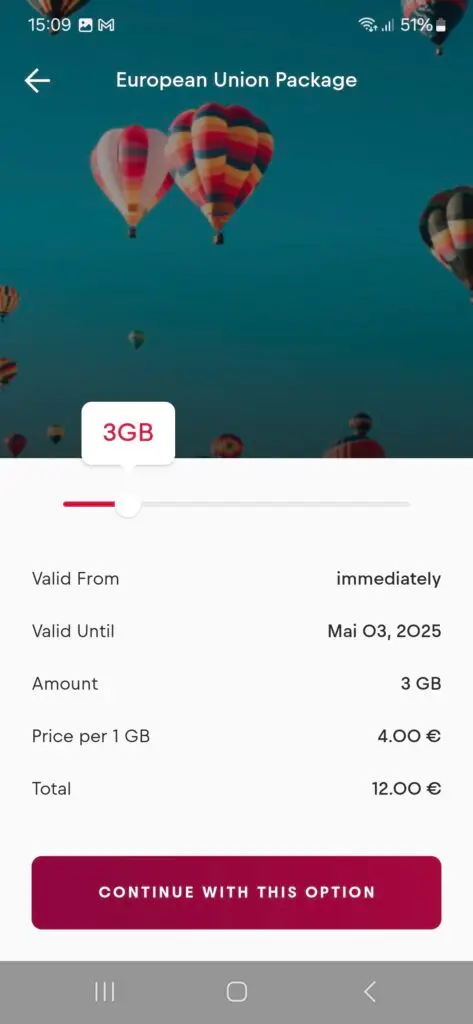
Use the slider to select your data plan size and then click “Continue with this option”.
Step 11
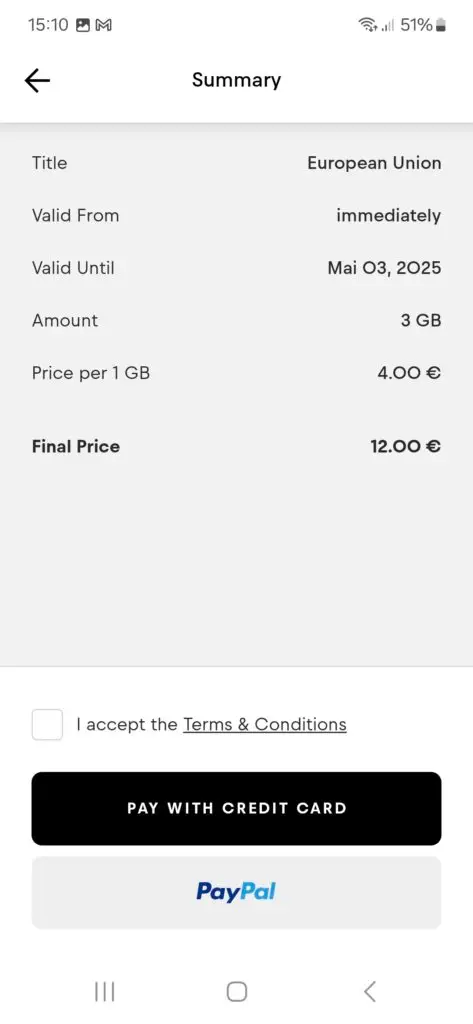
Choose your payment option
Step 12
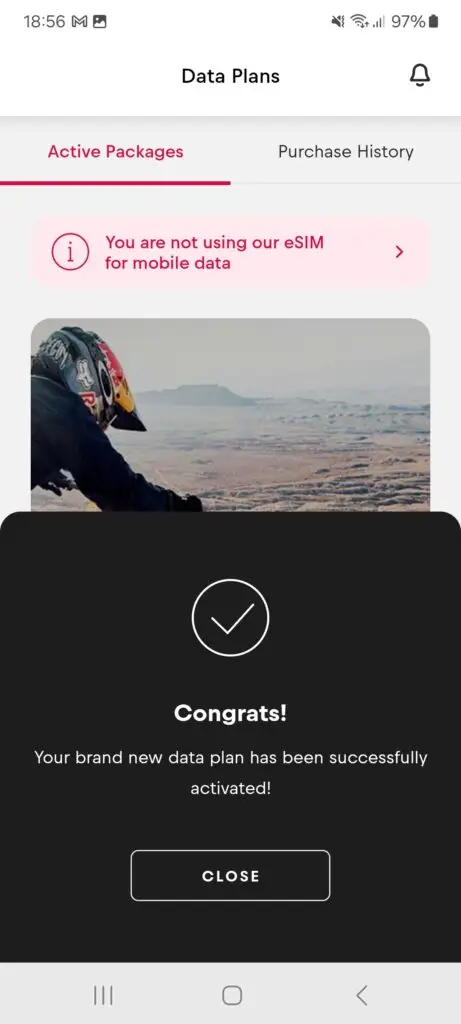
Click “CLOSE” to complete the set-up.
Step 13
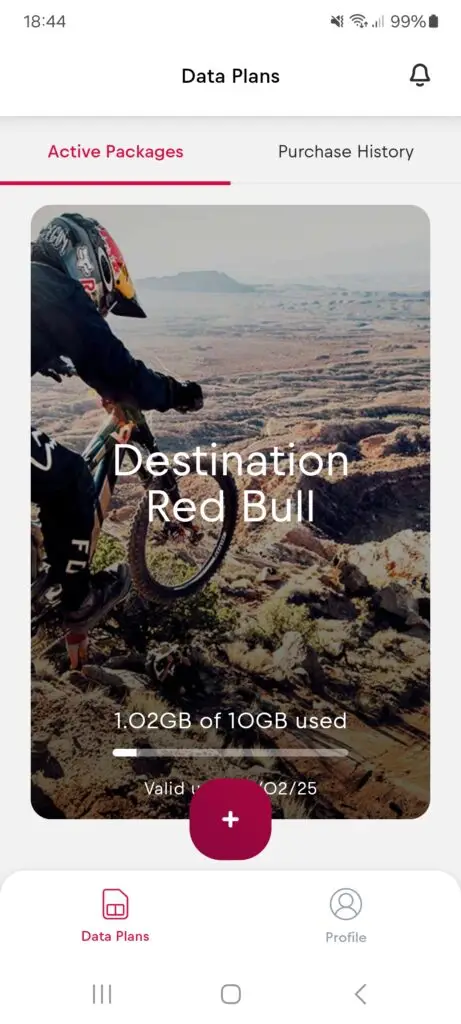
Under “Data Plans” you will see all your active packages.
Your set-up is now complete.